Instagram accounts store personal photos, messages, and important connections. Because of this, forgetting a password or losing access to your account can be frustrating. Many users experience login problems due to forgotten passwords, device changes, or security issues.
Fortunately, Instagram provides several secure methods to reset or recover your password. These recovery options allow users to verify their identity using email, phone number, or username.
This guide explains how to recover your Instagram account password, including different recovery methods, security tips, and common solutions if the reset process does not work.
Introduction
Passwords are an important part of account security. However, it is common for users to forget their passwords, especially when using multiple social media platforms.
When you forget your Instagram password, you cannot access your profile until you reset it. The platform offers built-in recovery tools that allow you to create a new password safely.
You can reset your password using:
-
Email address
-
Phone number
-
Username
-
Facebook account (if linked)
These recovery options make it possible to regain access quickly without losing your account data.
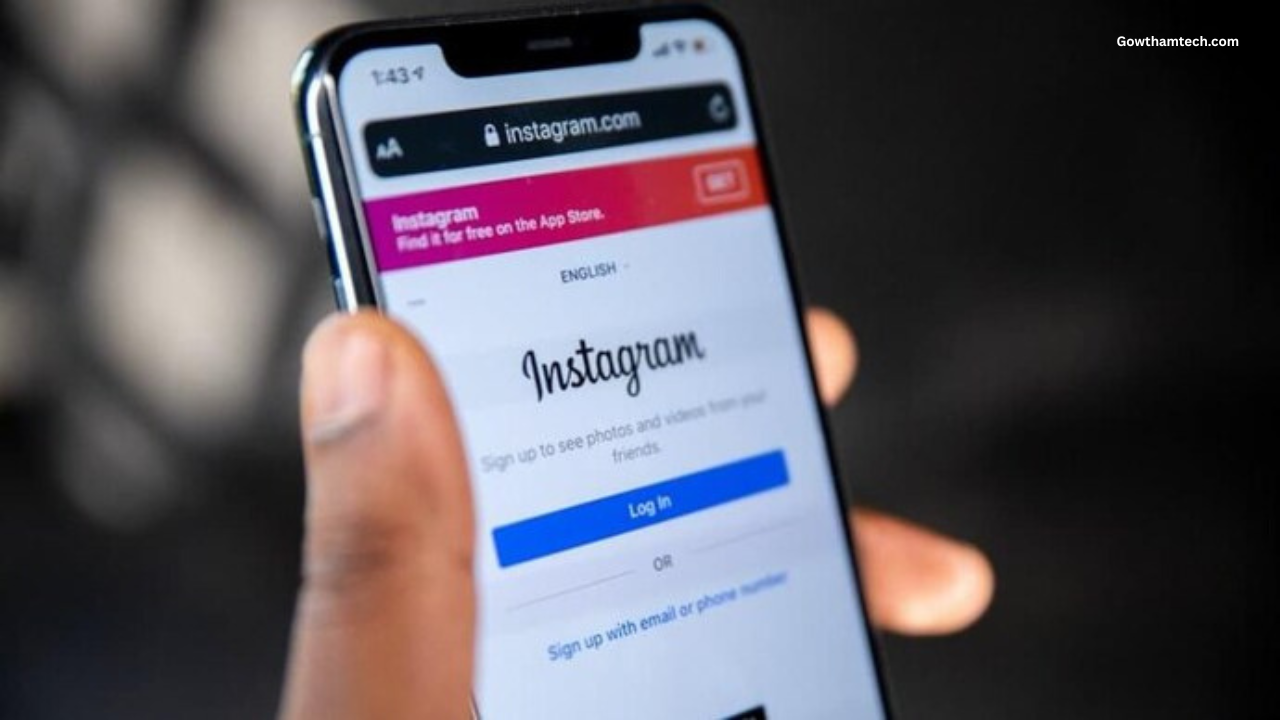
What Is Instagram Password Recovery?
Definition
Instagram password recovery is a process that allows users to reset their account password when they forget it or cannot log in.
How It Works
The password recovery process verifies the account owner through contact information linked to the account. Once verification is complete, the user can create a new password.
The typical process includes:
-
Enter username, email, or phone number
-
Receive a verification link or code
-
Confirm identity
-
Create a new password
Features Overview
| Feature | What It Does | Benefit |
|---|---|---|
| Password Reset Link | Sends a secure reset link | Quick account access |
| Phone Verification | Sends a code via SMS | Alternative recovery method |
| Email Recovery | Verification through email | Secure reset option |
| Login Help Page | Guides users through recovery | Easy navigation |
| Account Security Tools | Protects accounts from unauthorized access | Improved protection |
Key Methods to Recover Instagram Password
1. Reset Password Using Email
This is the most common recovery method.
Steps:
-
Open the Instagram login page.
-
Tap Forgot password?
-
Enter your email address or username.
-
Check your email inbox.
-
Click the password reset link.
-
Create a new password.
Once completed, you can log in with your new password.
2. Reset Password Using Phone Number
If your account is linked to a phone number, you can recover access using SMS verification.
Steps:
-
Go to the Instagram login screen.
-
Tap Forgot password?
-
Enter your phone number.
-
Receive the verification code by SMS.
-
Enter the code in the app.
-
Set a new password.
3. Recover Using Username
If you do not remember your email or phone number, you can use your username.
Steps:
-
Select Forgot password on the login screen.
-
Enter your Instagram username.
-
Choose email or phone verification.
-
Follow the instructions to reset your password.
4. Reset Password Using Facebook
If your Instagram account is linked to Facebook, you can log in through Facebook to reset your password.
Steps:
-
Tap Log in with Facebook on the login page.
-
Confirm your Facebook account login.
-
Access Instagram and update your password in settings.
Price in India
Instagram account recovery tools are completely free. There are no charges for resetting or recovering your password.
| Feature | Cost |
|---|---|
| Password Reset | Free |
| Email Verification | Free |
| Phone Verification | Free |
| Account Recovery Tools | Free |
Users should always use the official recovery options provided in the app or website.
Is the Password Recovery Process Safe?
Yes, Instagram uses several security measures to protect users during password recovery.
Security features include:
-
Encrypted password reset links
-
Verification codes
-
Account activity monitoring
-
Suspicious login detection
These systems help ensure that only the account owner can reset the password.
Pros and Cons
Pros
-
Quick password reset process
-
Multiple recovery options
-
Secure verification methods
-
Free account recovery tools
-
Works on both mobile and desktop
Cons
-
Requires access to registered email or phone
-
Recovery may take longer if verification fails
-
Limited options if contact information is outdated
How to Prevent Future Password Problems
To avoid losing access again, users should follow a few security practices.
Use a Strong Password
Create a password using letters, numbers, and symbols.
Enable Two-Factor Authentication
This adds an extra security layer during login.
Keep Contact Information Updated
Ensure your email address and phone number are correct.
Save Passwords Securely
Use a password manager or secure note.
The image above shows the interface of how to recover your instagram account password? for reference.
Best Alternatives for Account Security
While Instagram already provides strong security features, users can also use additional tools to protect their accounts.
Some helpful options include:
-
Password manager apps
-
Security authentication apps
-
Device login alerts
-
Backup email accounts
These tools help users maintain better control over account security.
Frequently Asked Questions
Is it safe to reset my Instagram password?
Yes. The official password recovery system uses secure verification methods to protect user accounts.
Can I recover my password without email?
Yes. You can use your phone number or username if they are linked to your account.
How long does password recovery take?
In most cases, password reset links or verification codes arrive within a few minutes.
Is it worth enabling two-factor authentication?
Yes. Two-factor authentication significantly improves account security and helps prevent unauthorized access.
Final Verdict
Recovering an Instagram password is usually a simple process thanks to the platform’s built-in recovery tools. Whether you use email, phone number, or username verification, most users can regain access quickly.
This process is best suited for:
-
Users who forgot their password
-
People who changed devices
-
Accounts requiring security verification
Users should also enable additional security features such as two-factor authentication to protect their accounts in the future.
By following the correct recovery steps and maintaining updated contact information, you can ensure continued access to your Instagram account without major interruptions.




Photo video
Nothing
Hide instagram
Hide instagram
Please