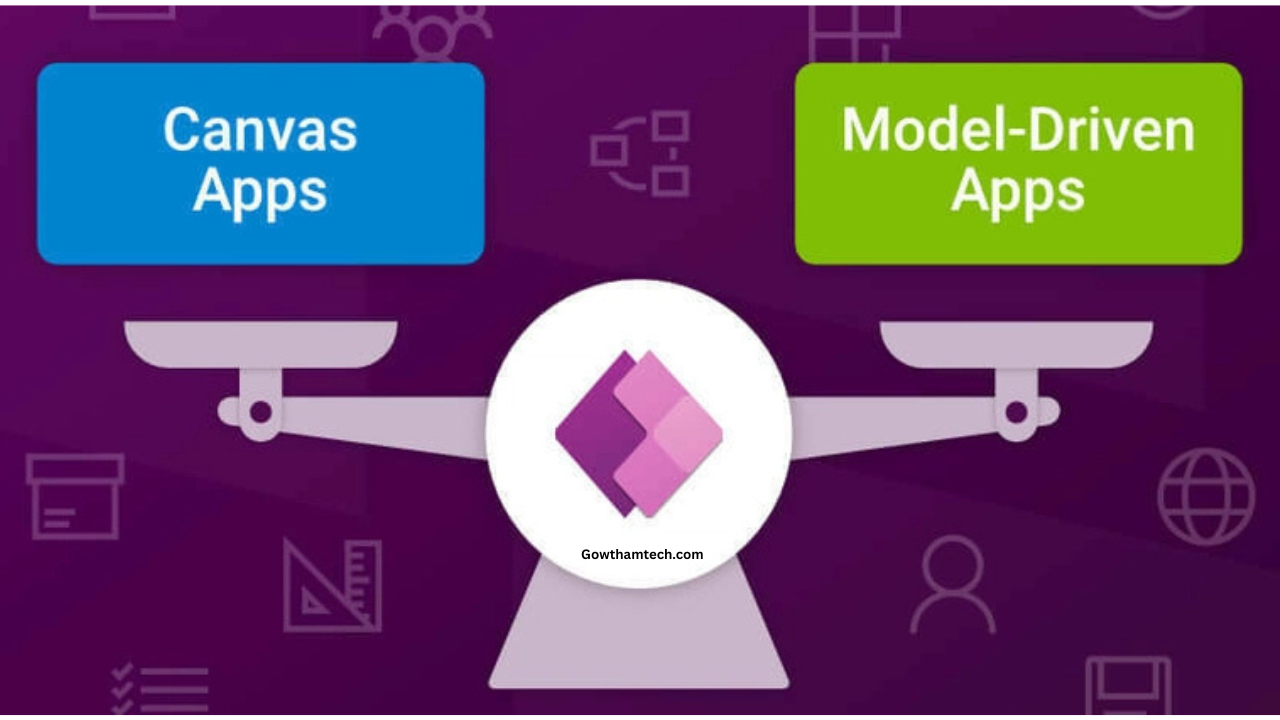
Microsoft Power Platform has become a popular choice for organizations looking to build business applications quickly with minimal coding. Among its core offerings, two app types stand out: Canvas apps and Model-driven apps. Many users, especially beginners and business decision-makers, often search for the difference between canvas and model driven apps to understand which option best suits their needs. This complete guide explains the difference between canvas and model driven apps in a clear and practical way, helping you make the right choice for your business scenarios.
Understanding the difference between canvas and model driven apps is essential for building efficient, scalable, and user-friendly solutions.
What Are Canvas Apps?
Canvas apps are application types in Microsoft Power Apps where designers have full control over the user interface. In canvas apps, the layout starts with a blank canvas, allowing developers to design screens freely by placing buttons, forms, galleries, and other elements wherever they want. When exploring the difference between canvas and model driven apps, canvas apps are best known for their flexibility in design. They are ideal when the user experience and visual layout are top priorities. Canvas apps can connect to multiple data sources such as Excel, SharePoint, SQL Server, and Dataverse, making them versatile for many business use cases.
What Are Model Driven Apps?
Model-driven apps are built on top of Microsoft Dataverse and focus more on data structure and business processes rather than visual design. Instead of designing screens manually, the app interface is automatically generated based on the data model, relationships, and business rules defined in Dataverse. When discussing the difference between canvas and model driven apps, model-driven apps are recognized for their consistency and scalability. They are commonly used for complex business applications such as CRM systems, case management, and enterprise workflows where structured data and process automation are critical.
Core Difference Between Canvas and Model Driven Apps
The fundamental difference between canvas and model driven apps lies in how they are designed and used. Canvas apps start with the user interface and then connect to data, while model-driven apps start with data and automatically generate the interface. In canvas apps, designers control every visual aspect of the app. In contrast, model-driven apps rely on standardized layouts that ensure consistency across devices. This core difference between canvas and model driven apps often determines which approach is better for a specific business requirement.
Difference Between Canvas and Model Driven Apps in User Interface Design
One of the most noticeable aspects when comparing the difference between canvas and model driven apps is user interface design. Canvas apps allow pixel-perfect control over layouts, colors, fonts, and responsiveness. This makes them suitable for apps that need custom branding or unique user experiences. Model-driven apps, on the other hand, use predefined layouts optimized for productivity and consistency. While customization is possible, it is more structured and limited compared to canvas apps. This approach ensures a uniform experience across devices and users.
Difference Between Canvas and Model Driven Apps in Data Handling
Another important difference between canvas and model driven apps is how data is managed. Canvas apps can connect to many different data sources, including cloud services and on-premises systems. Model-driven apps rely exclusively on Dataverse, which provides advanced features such as relationships, business rules, validation, and security roles. This makes model-driven apps ideal for data-heavy applications that require complex logic and governance.

Difference Between Canvas and Model Driven Apps in Development Approach
The development approach highlights a key difference between canvas and model driven apps. Canvas apps follow a design-first approach, allowing rapid prototyping and customization. This makes them popular among citizen developers and designers. Model-driven apps follow a data-first approach. Developers define tables, relationships, and business processes first, and the app is generated automatically. This approach is preferred for enterprise-level applications that require stability and long-term scalability.
Difference Between Canvas and Model Driven Apps in Use Cases
Understanding use cases helps clarify the difference between canvas and model driven apps. Canvas apps are ideal for task-based apps such as expense tracking, inspections, approvals, and custom forms where user interaction is key. Model-driven apps are better suited for applications such as customer relationship management, asset management, and service tracking where structured data and process automation are essential. Choosing the right app type depends on the complexity of data and business requirements.
Performance and Scalability Comparison
Performance and scalability are also part of the difference between canvas and model driven apps. Canvas apps can perform very well for lightweight and focused applications but may require optimization when handling large datasets. Model-driven apps are designed to scale efficiently with large volumes of data due to Dataverse optimization. This makes them more suitable for enterprise solutions with many users and complex data relationships.
Security and Governance Differences
Security is another area highlighting the difference between canvas and model driven apps. Canvas apps use the security model of their connected data sources. Model-driven apps benefit from Dataverse’s robust security features, including role-based access, field-level security, and auditing. This makes model-driven apps more suitable for applications with strict compliance and governance needs.
Learning Curve and Ease of Use
When comparing the difference between canvas and model driven apps, canvas apps are generally easier for beginners to start with because of their visual design approach. Model-driven apps have a steeper learning curve, as they require an understanding of Dataverse, data modeling, and business processes. However, once mastered, they offer powerful enterprise capabilities.
Conclusion
The difference between canvas and model driven apps lies mainly in design flexibility, data handling, scalability, and use cases. Canvas apps are best for highly customized, user-focused applications, while model-driven apps excel in data-centric, process-driven enterprise solutions. By understanding the difference between canvas and model driven apps, organizations and developers can choose the right approach to build efficient, scalable, and user-friendly applications. Selecting the correct app type ensures better performance, easier maintenance, and long-term success within the Microsoft Power Platform ecosystem.




Phone tybe chenge pannuvathu
Photo & video recovery
Videos
Super ra iruthuuu use full of vidio
Hide app
Cashback
Delete photo recover